コンテンツにスキップ
STAGING SERVER
DEVELOPMENT SERVER

Data Synchronizer vTool#

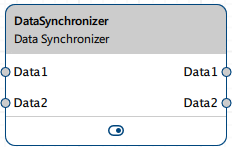
The Data Synchronizer vTool allows you to synchronize multiple data inputs.

Download the pylon Software Suite to use the Data Synchronizer vTool.

Data Synchronizer vTool

仕組み#

The data types of the inputs don't have to be identical. You can add as many input pins as you like by connecting an output pin of another vTool to an input pin of the Data Synchronizer. For each input pin, a corresponding output pin is created.

Three synchronization modes are available:

情報

In cases where only one of the input pins receives data, an error is output at the output pins where the corresponding input pins haven't received any data. This situation can occur if one of the input pins has never received any data since the recipe has been started. If synchronization is triggered by input at the other input pin, the output pin with no input outputs an error.

The Data Synchronizer stores the data received via the input pins internally, depending on the selected mode. There is one memory slot per pin. The Discard Input Data command allows you to clear the data from the input pins' memory slots.

The Trigger command allows you to trigger the Data Synchronizer to send out the data stored in the memory slot of each pin pair. Empty memory slots will output data with an error status. In the No Data Loss and Leader-Follower modes, the memory slots aren't cleared when a trigger is executed. In the Complete Input Set mode, all memory slots are cleared when a trigger is executed.

Synchronization Modes#

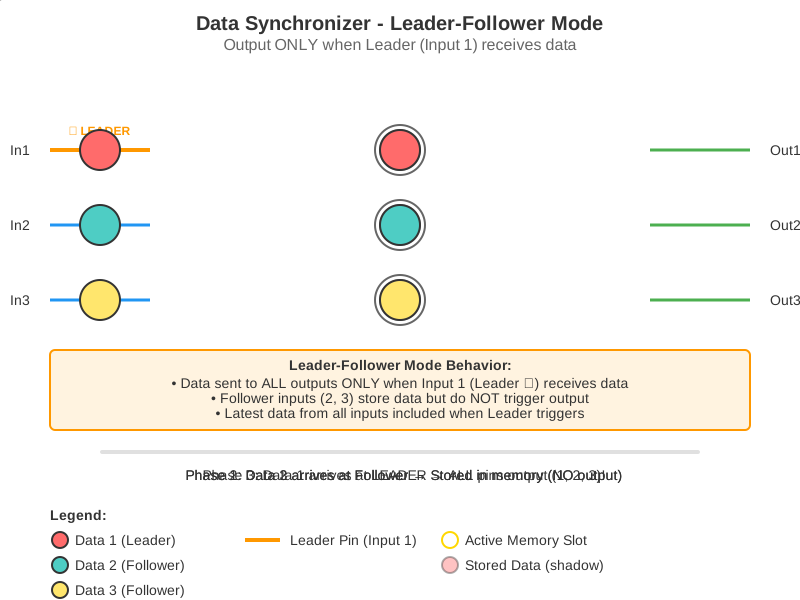
Leader-Follower#

The frequency of the first input determines the frequency of the data output. If the frequency at the Data1 input pin is higher than at the DataN input pin, the DataN input data is duplicated. If the frequency at the DataN input pin is higher than at the Data1 input pin, data from the DataN input pin is discarded.

Animation Demonstrating Leader-Follower Synchronization Mode

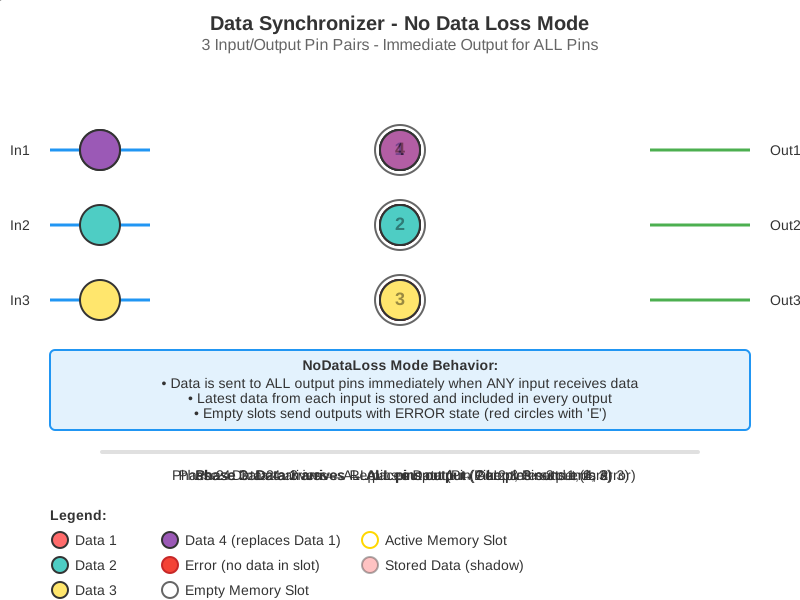
No Data Loss#

All updates from any input trigger a synchronized output. In this mode, no data is lost.

Animation Demonstrating No Data Loss Synchronization Mode

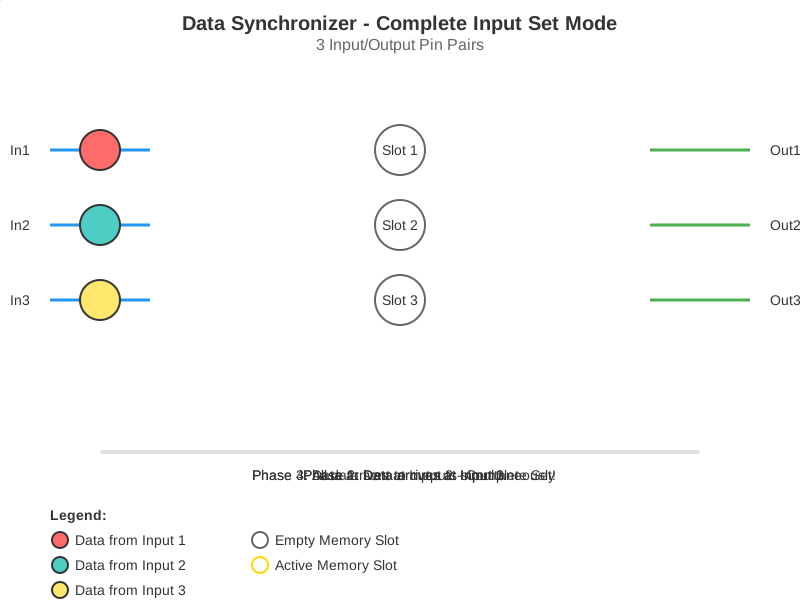
Complete Input Set#

Synchronization is triggered when all inputs have received exactly one data item. You can set a timeout using the Complete Input Set Timeout parameter. If any input receives data twice during the timeout period you have specified, synchronization is triggered even if another input hasn't received any data yet. If the timeout expires while waiting for data, synchronization is triggered with the data collected so far. Any missing data will be flagged with an error status.

Animation Demonstrating Complete Input Set Synchronization Mode

vToolの設定#

To configure the Data Synchronizer vTool, double-click it in the Workbench. A dialog opens showing all the available settings. Alternatively, you can find the same settings in the Features - All pane.

入力#

Data1#

Accepts input of any data type.

  • Data type: Initially Value. Once a connection is made, the input pin takes the data type of the output pin connected.

DataN#

Accepts input of any data type.

  • Data type: Initially Value. Once a connection is made, the input pin takes the data type of the output pin connected.

出力#

DataN#

Returns the synchronized data inputs according to the mode specified.

  • Data type: Same as the corresponding input.

典型的な先行機#

典型的な後継機#

  • Any vTool that accepts input of data type Image.