ハウツー:Sequencer モードと PyPylon を使用して Basler カメラで HDR イメージングを行う方法#
この記事では、Sequencer ModeとPyPylon SDKを搭載したBaslerカメラを使用して、HDR (High Dynamic Range)画像を取得および処理する方法について説明します。カメラ側の設定と、OpenCVを使用したホスト側の画像合成およびトーンマッピングの両方をカバーしています。
この記事はace 2およびboost Rカメラを対象に記述されていますが、シーケンサーをサポートする他のBaslerカメラにも同様の原則が適用されます。特定のカメラモデルに合わせて、必要に応じてコードを調整してください。
目的#
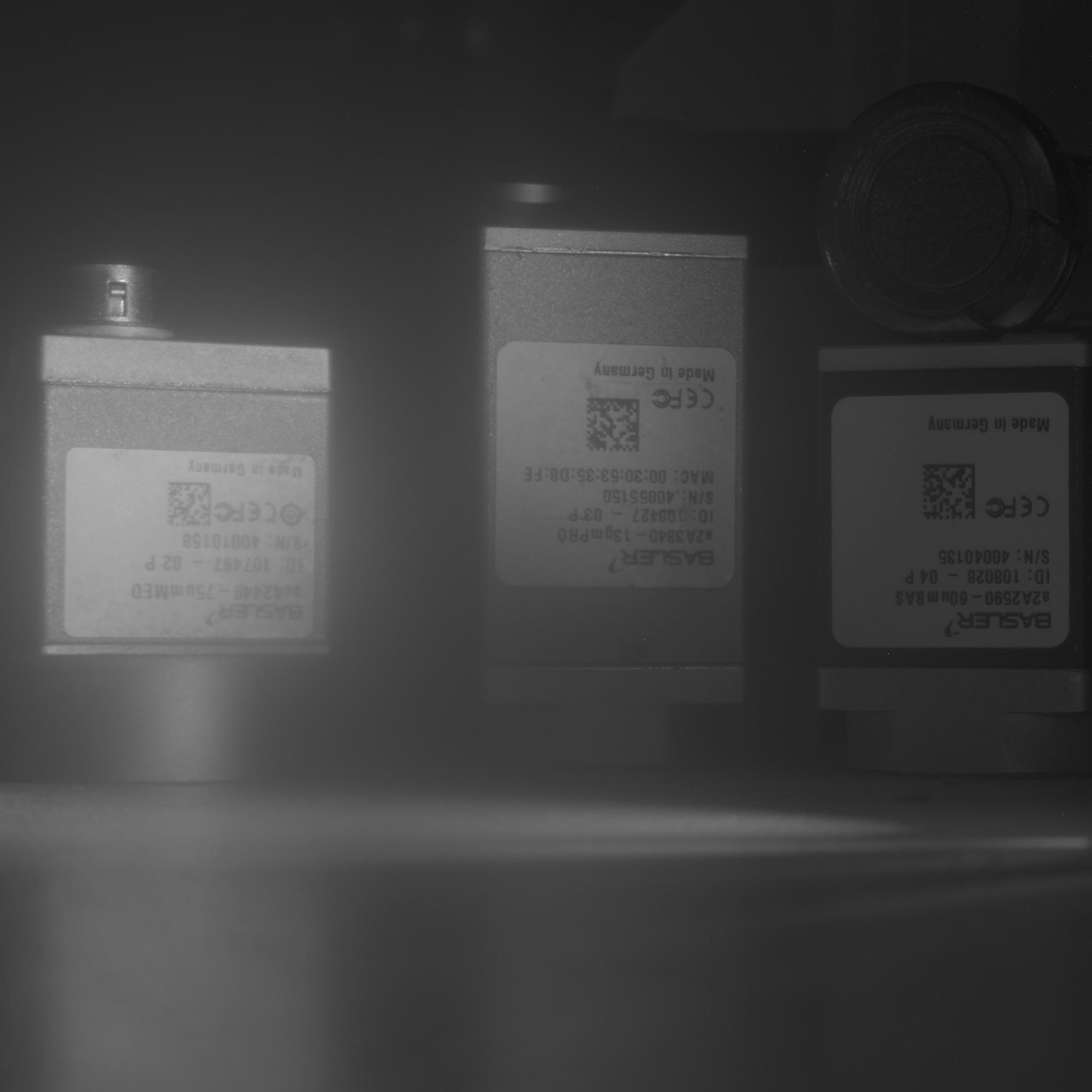
目的は、カメラ内蔵のシーケンサーを使用して露光時間を変えた画像シーケンスを撮影し、それらをシャドウ部とハイライト部のディテールが改善された1枚のHDR画像に統合することです。結果として、表示やさらなる処理に適したトーンマッピング済み画像が得られます。
ハードウェアおよびソフトウェア要件#
ハードウェア#
- Baslerエリアスキャンカメラ(Sequencer Mode対応)
- 安定した照明条件、ちらつきのない照明
- 安定したシーン(固定されたカメラ位置とターゲット)
ソフトウェア#
- Python 3.8+
- PyPylon Pythonバインディング
- OpenCV (cv2)
- NumPy
HDR撮影ワークフロー#
露光シーケンスの設定#
カメラには、マイクロ秒単位の露光時間のリストが設定されます:
各露光時間は個別のシーケンサーセットに読み込まれます。トリガーがかかるたびにこれらのセットを自動的に循環するようにカメラが設定されます。
主なステップ:
SequencerConfigurationMode = On- 設定
ExposureTimeおよびSequencerSetNext - 設定
SequencerTriggerSource = ExposureStart - 各セットを保存して設定モードを終了します
設定が完了すると、カメラは Burst Mode でトリガーされます:
camera.AcquisitionBurstFrameCount = len(exposure_times_us)
camera.TriggerSource = "Software"
camera.TriggerSelector = "FrameBurstStart"
取得した画像は、16ビットTIFFとしてフォルダ(例:raw_image/)に保存されます。ファイル名にはExposure Timeがエンコードされます:img_5000us.tiff
HDR画像処理#
ステップバイステップの手順:#
- ディスクから16ビットTIFFをロードします。
- ビットシフトを行って12ビット値を抽出します。
- [0,1]のfloat32に正規化します。
- 三角重み関数を適用します。
- 放射輝度マップを計算します。
- Reinhardオペレータでトーンマップを適用します。
- 結果をPNGとして保存します。
画像例#
以下の入力画像は、異なるExposure Timeを使用して撮影されました:
| Exposure Time | 画像 |
|---|---|
| 50 µs | 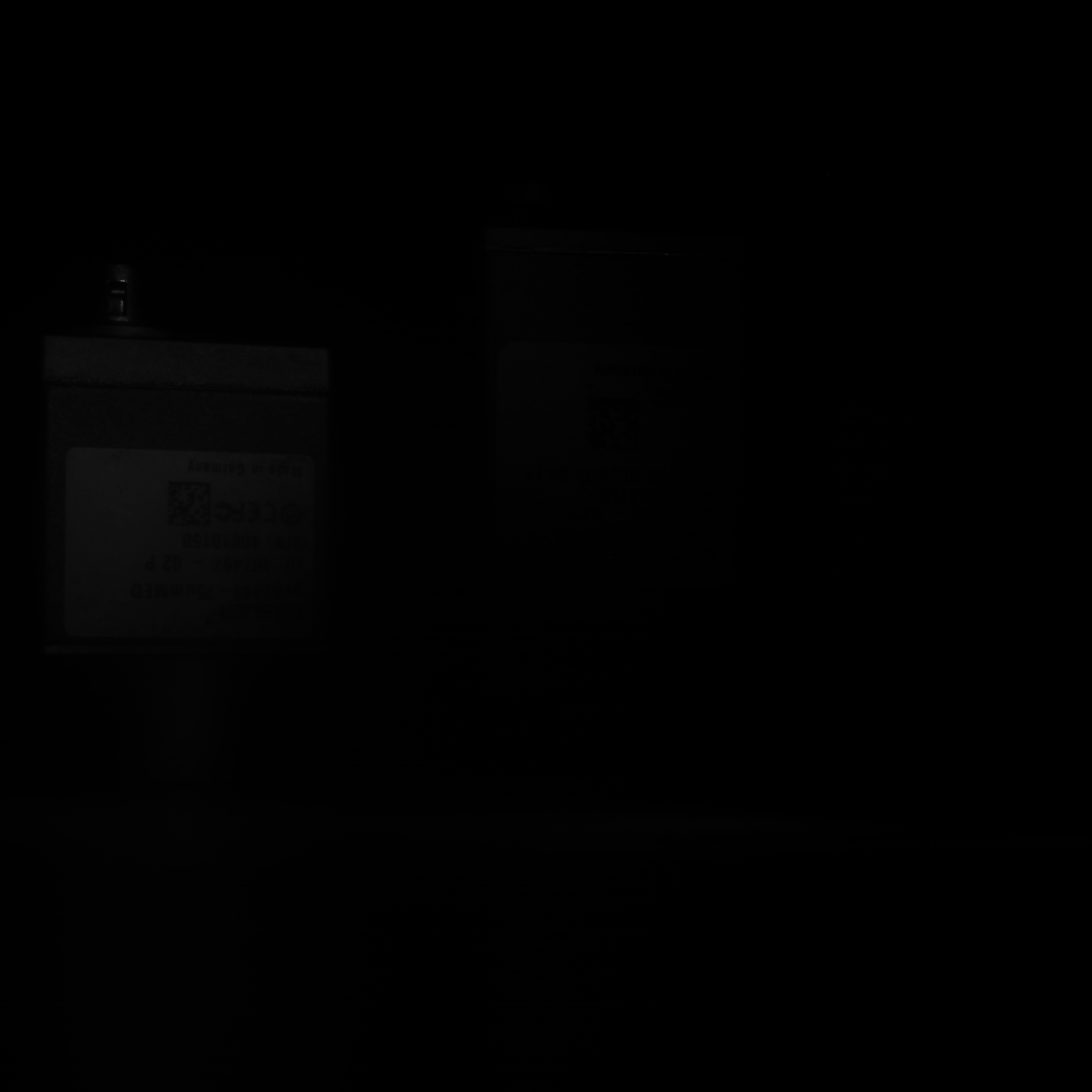 |
| 500 µs | 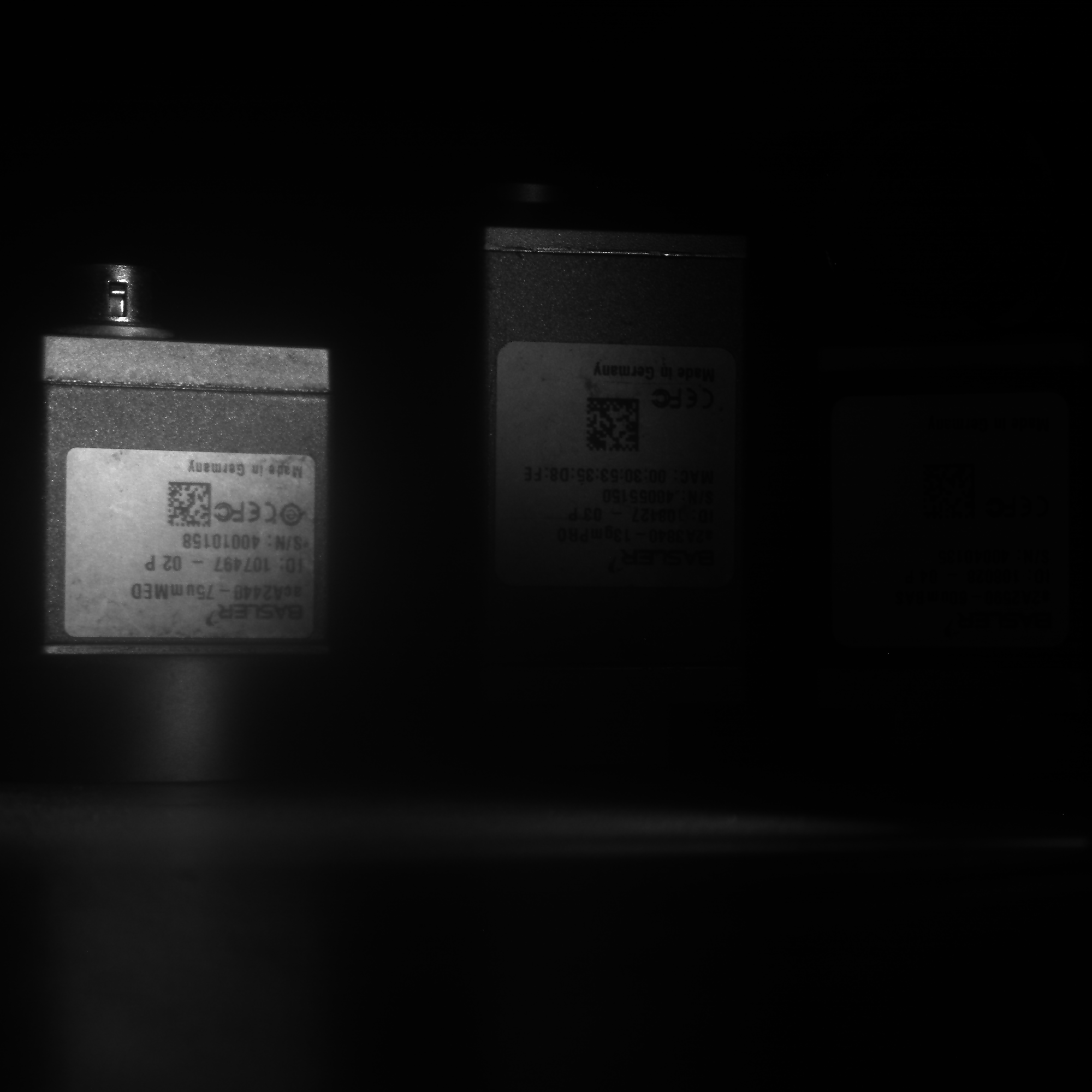 |
| 5000 µs |  |
| 50000 µs |  |
HDR合成結果#
最終的なトーンマップ処理済みの画像は、すべての露出からのディテールを組み合わせています:
注意事項と推奨事項#
- すべての露出でカメラの位置と照明が固定されていることを確認してください。
- Sequencerの設定は、カメラの電源が切られるかリセットされるまで保持されます。
- 必要に応じて、OpenCVのEXRサポートを使用して真のHDRを保存します(
cv2.imwrite("output.exr", hdr_image)を使用します。 - カラーカメラの場合、追加のデモザイキングおよびホワイトバランス調整のステップが必要です。
トラブルシューティング#
| 問題 | 原因 | 対策 |
|---|---|---|
| GrabTimeout | 露光時間が長すぎるか、FPSが低すぎます | タイムアウトを増やしてください |
| HDR効果がありません | 露光範囲が狭すぎます | より多様な時間を使用してください |
| ファイル読み込みエラー | TIFFが書き込まれていないか、パスが間違っています | 権限とフォルダーを確認してください |